Cluely review & alternative
Useful for general meeting help, but our interview tests found inconsistent coding answers and desktop interaction risks.
- Coding reruns
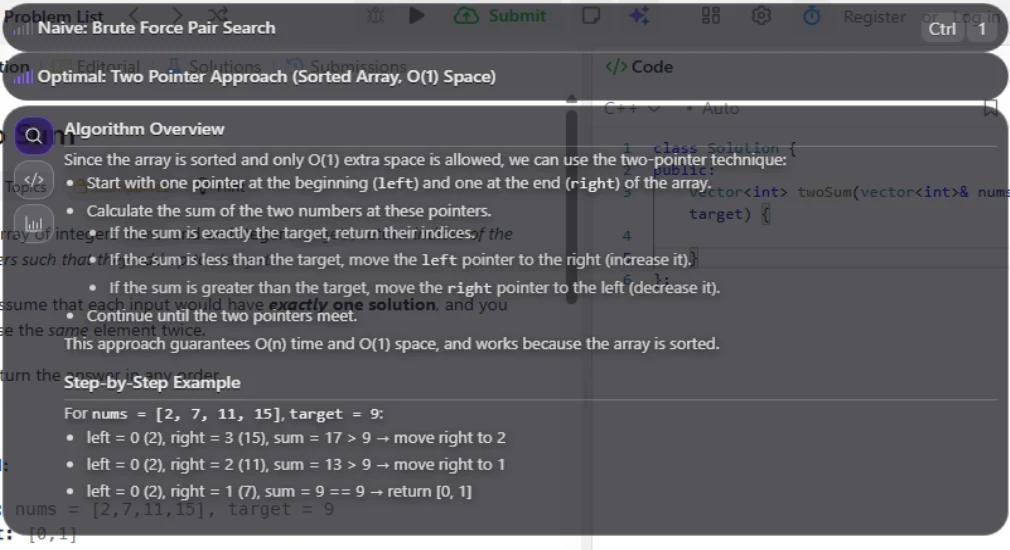
- Answer shape
- Focus, cursor & shortcuts
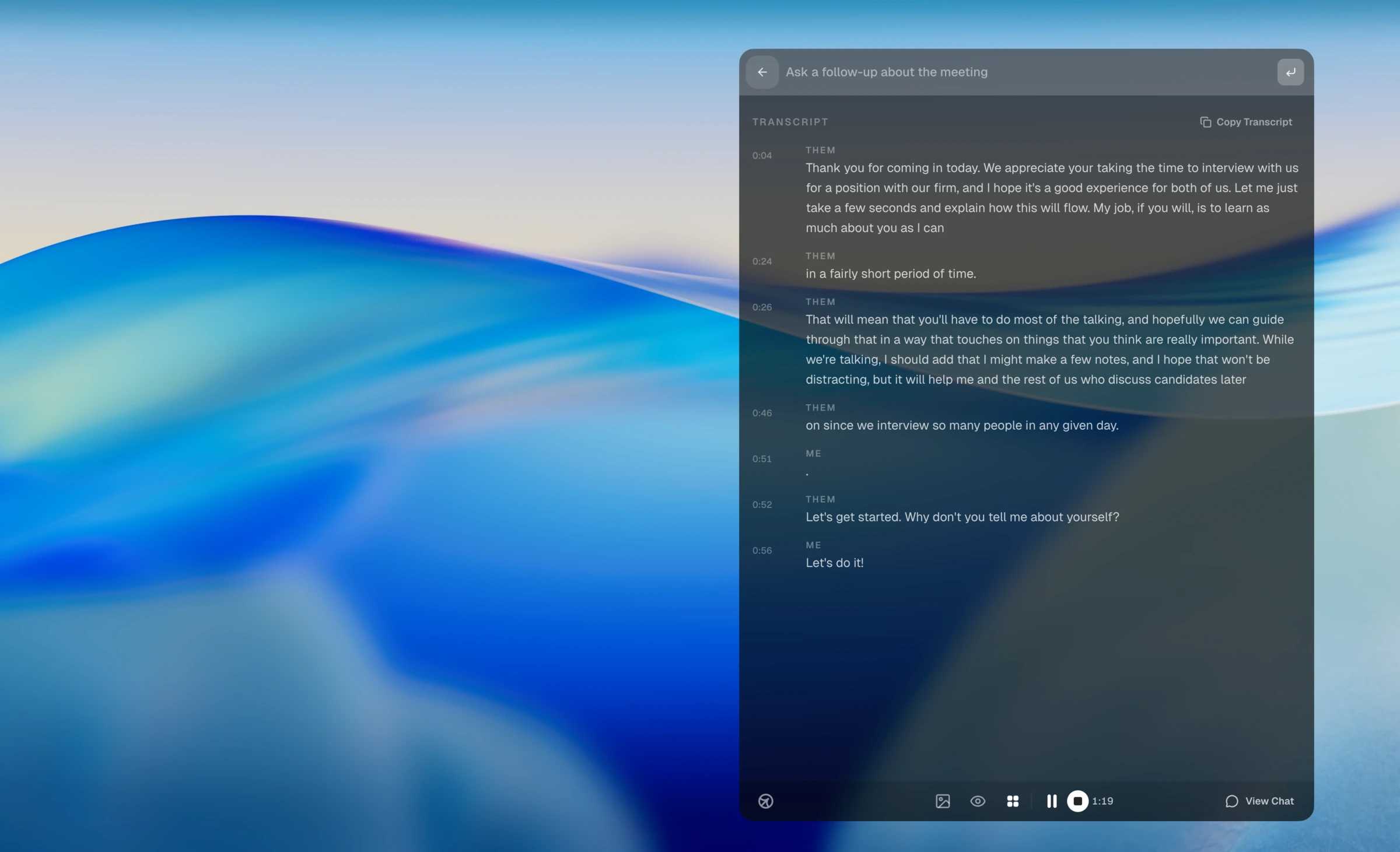
We installed six AI interview assistants on macOS and Windows, ran behavioral, coding, and system-design scenarios, and recorded what happened. The evidence matrix maps those six existing reviews to shared criteria and outcome labels; it does not pretend every product ran an identical protocol.
Each page includes the test setup, platform, tested scenarios, balanced conclusions, observed problems, pricing context, and primary evidence.
Useful for general meeting help, but our interview tests found inconsistent coding answers and desktop interaction risks.
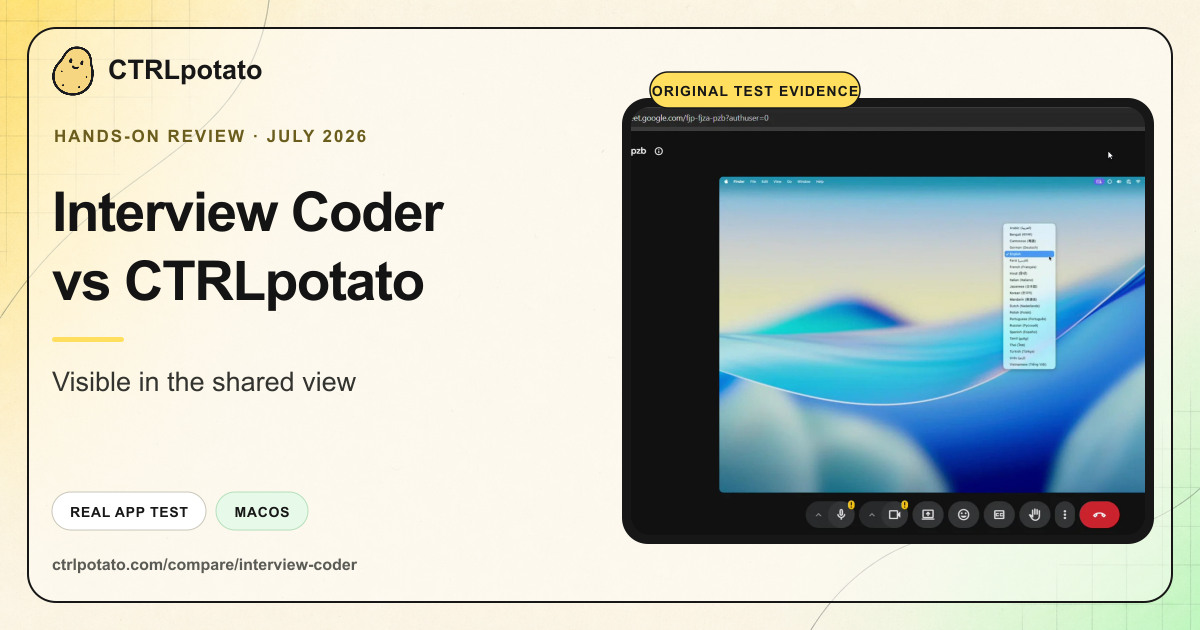
A coding-focused product with a high public price and several workflow issues in our screen-share, audio, and shortcut tests.
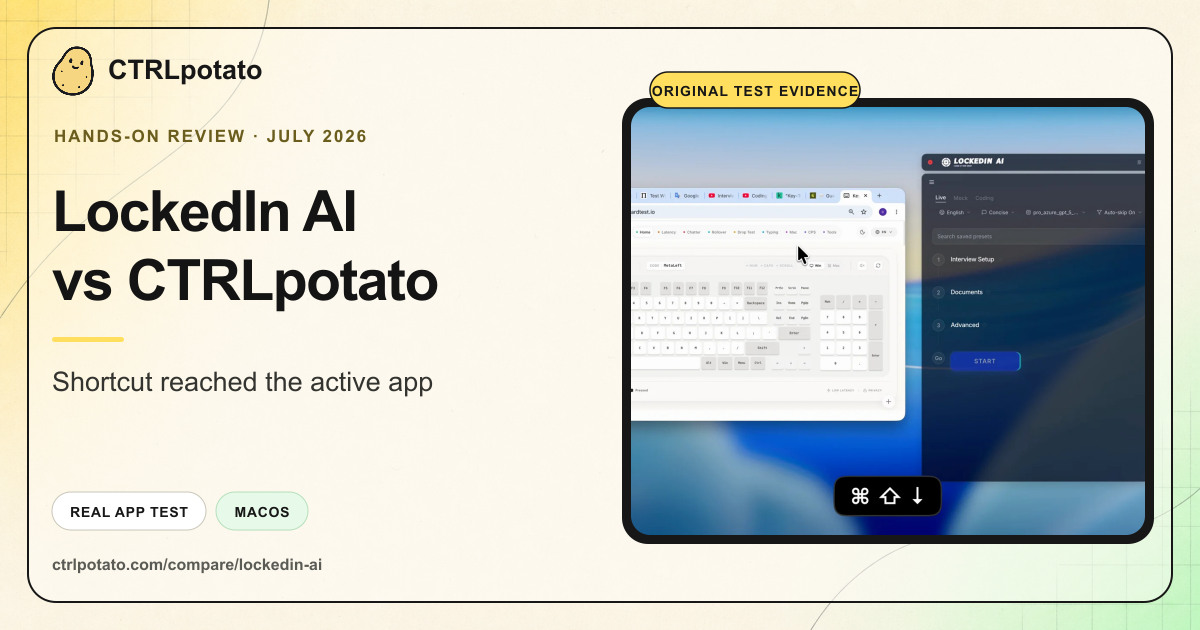
Broad interview features, but our desktop tests found issues with focus, shortcuts, audio, process names, and answer shape.
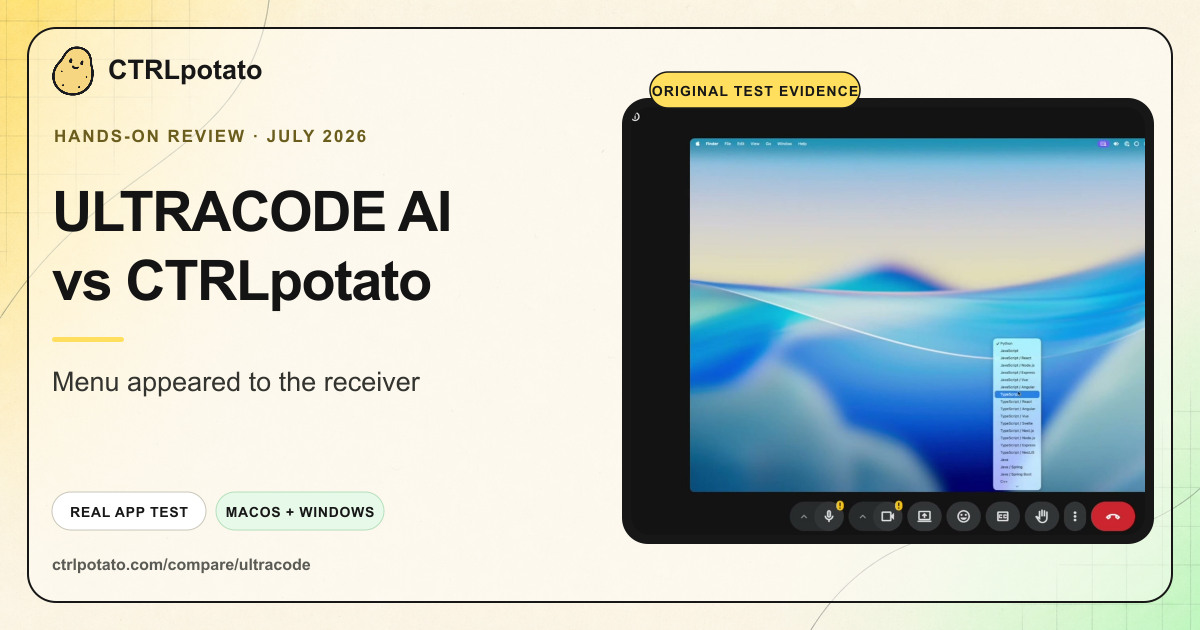
The strongest undetectability claims did not hold up in our receiver-side screen-share, focus, shortcut, and process tests.
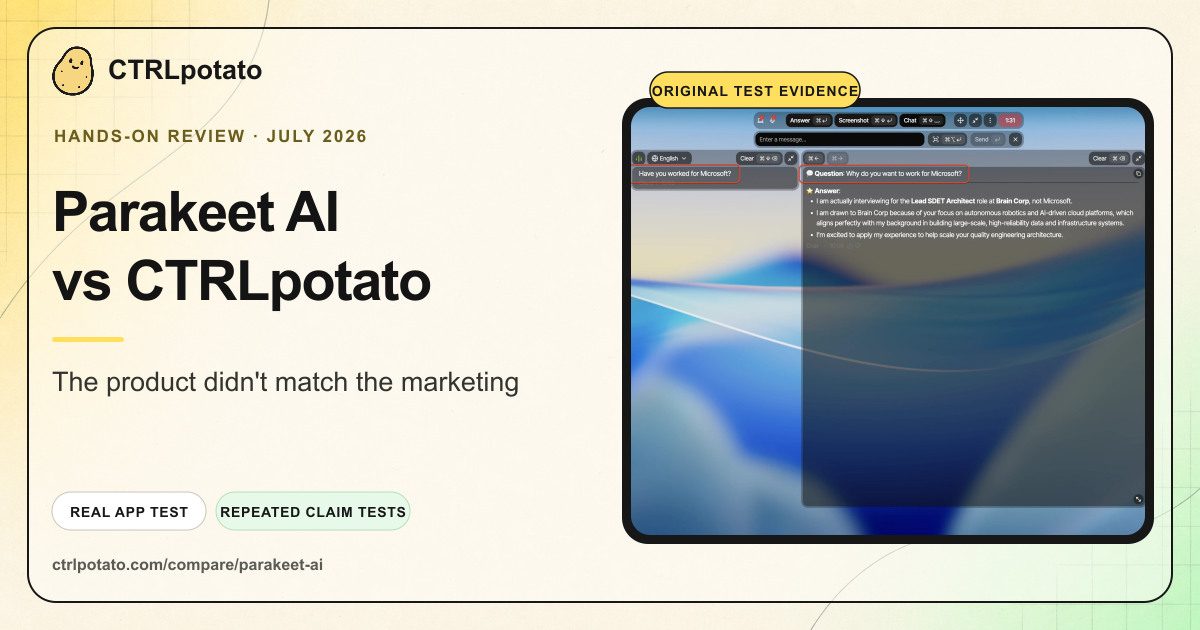
Across repeat runs, Parakeet AI did not match major accuracy, privacy, coding, and live-workflow claims.
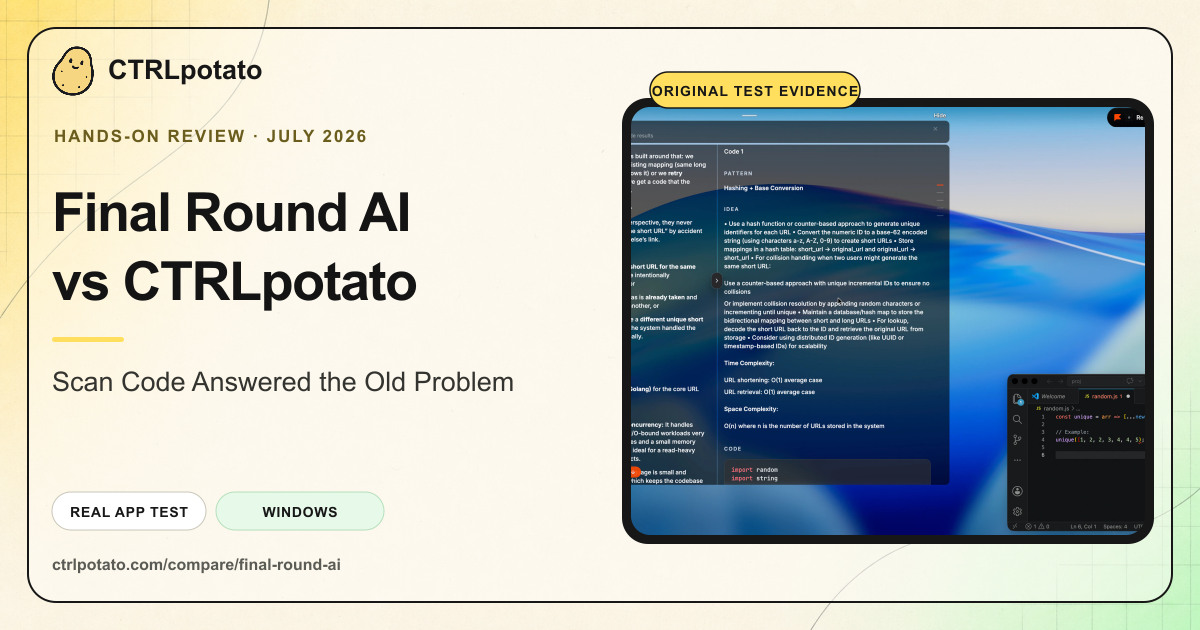
The tested live Copilot lost the current coding context; desktop checks found focus changes, cursor tells, mixed screen sharing, and identifiable Task Manager processes.
Criteria and outcome labels are normalized. Test environments, scenarios, versions, and repeat counts were not standardized. “Not found” is not a failure, and missing behavioral evidence remains “Not tested.”
| Test area | Cluely macOS | Interview Coder macOS | LockedIn AI macOS | ULTRACODE AI macOS + Windows | Parakeet AI macOS | Final Round AI macOS + Windows 11 |
|---|---|---|---|---|---|---|
| Coding assistance with realistic context Use the current task and preserve its constraints when multiple windows or stale context are present. | Mixed One miss and one correct rerun Evidence → Additional evidence → | Mixed Relevant clean snippet; cluttered context missed Evidence → Additional evidence → | Not tested Comparable coding-context run not published | Mixed Clean answer relevant; cluttered context missed Evidence → Additional evidence → | Mixed Clean prompt worked; current task was unreliable Evidence → Additional evidence → | Failed in our test Scan Code continued stale context Evidence → |
| Precise context capture Let the user target the relevant screen area or otherwise control which visible context reaches the AI. | Not found Area capture not found Where we checked → | Not found Whole-screen capture in tested flow Where we checked → | Not tested Direct capture evidence not published | Not found Area capture and visible buffer not found Where we checked → | Not found Area capture not found Where we checked → | Not found Area capture not found Where we checked → |
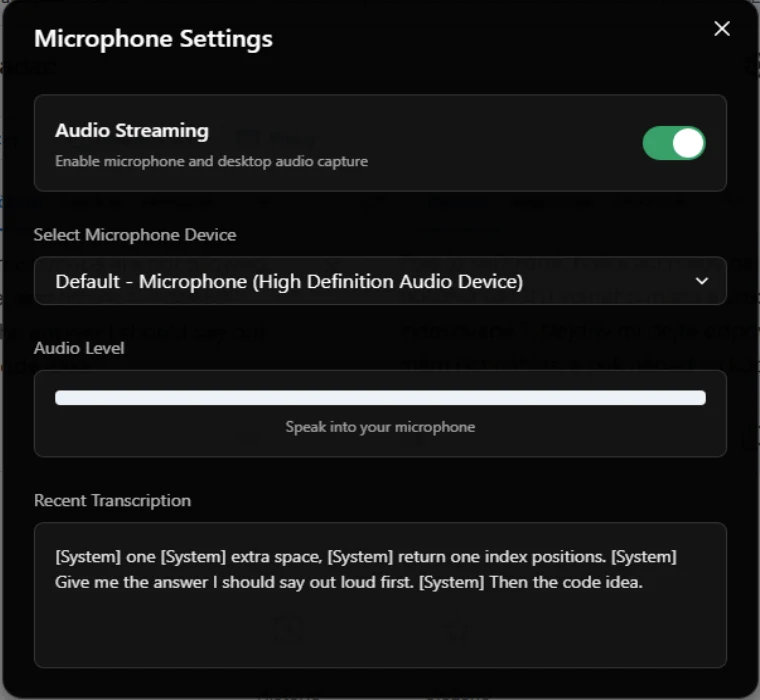
| Spoken-question audio capture Capture a spoken interview or coding question accurately enough to generate a relevant answer. | Passed Spoken question captured; relevant answer generated Evidence → Additional evidence → | Failed in our test Transcript stalled or captured fragments Evidence → | Failed in our test No transcription or answer appeared Evidence → | Mixed Audio context used; one output constraint missed Evidence → Additional evidence → | Mixed Speech captured; follow-up context failed Evidence → Additional evidence → | Mixed Substantive answer appeared; setup remarks also triggered replies Evidence → Additional evidence → |
| Focus behavior Using the assistant should not cause the interview or assessment window to lose focus. | Failed in our test Active window changed Evidence → | Failed in our test Focus loss recorded Evidence → | Failed in our test Focus loss recorded Evidence → | Failed in our test Blur event recorded Evidence → | Failed in our test Repeated focus loss recorded Evidence → Additional evidence → | Failed in our test Setup interaction changed focus Evidence → |
| Observable cursor behavior over assistant UI The cursor should not visibly change or disappear when it crosses or interacts with assistant controls. | Failed in our test Cursor changed over hidden controls Evidence → | Failed in our test Cursor changed over controls Evidence → | Failed in our test Cursor changed over controls Evidence → | Failed in our test Cursor changed; local recording showed disappearance Evidence → Additional evidence → | Failed in our test Cursor and native tooltip tells observed Evidence → | Failed in our test Cursor changed over assistant UI Evidence → |
| Shortcut isolation Assistant shortcut events should not reach the active interview page or a relevant system-level monitor. | Failed in our test Shortcut keys reached the page Evidence → | Failed in our test Cmd event reached the page Evidence → | Failed in our test Shortcut keys reached the page Evidence → | Failed in our test Keys remained observable to a privileged monitor Evidence → | Failed in our test Shortcut events reached the active page Evidence → | Not tested Shortcut isolation not tested |
| Receiver-side screen-share result Assistant UI should remain absent from what a remote receiver sees during the tested full-screen share. | Not tested Receiver-side result not published | Failed in our test Control visible to receiver Evidence → | Not tested Receiver-side result not published | Mixed Main overlay hidden; menu visible Evidence → | Failed in our test Main panel hidden; native tooltip visible Evidence → | Mixed Main UI hidden; cursor and tooltips can leak Evidence → |
| Local app and process visibility A normal Activity Monitor or Task Manager check should match any marketing claim about local invisibility or zero trace. | Failed in our test Brand visible in normal macOS surfaces Evidence → | Failed in our test Generic process name with recognizable icon Evidence → | Failed in our test Rename left branded helpers visible Evidence → | Failed in our test Brand visible on macOS and Windows Evidence → | Failed in our test Cosmetic rename left identifiable paths Evidence → Additional evidence → | Failed in our test Brand visible in Task Manager Evidence → |
| Live answer readability The configured output should be concise and easy to scan while an interviewer is waiting. | Mixed Useful content, long prose Evidence → | Not tested Comparable readability run not published | Failed in our test Concise setting still returned long output Evidence → | Not tested Comparable readability run not published | Mixed Dense by default; explicit short prompt worked Evidence → Additional evidence → | Mixed Default run was dense Evidence → |
| Explicit follow-up or text-prompt control Expose a clear control for asking a follow-up or entering a new text prompt. | Passed Explicit follow-up input present Evidence → | Not found Follow-up control not found Where we checked → | Passed Chat/text prompt control present Evidence → | Passed Text follow-up input present Evidence → | Passed Manual messages and context fields present Evidence → | Not tested Follow-up control not tested |
| Phone or second-screen workflow Provide a working phone or second-screen companion workflow where the product claims one. | Not found Phone/second-screen workflow not found Where we checked → | Not found Phone/second-screen workflow not found Where we checked → | Not tested Option present; operation not published | Not found Phone/second-screen workflow not found Where we checked → | Not tested Mobile browser view documented; operation not tested | Not tested Mobile operation not tested |
These conclusions are based on the published June–July review set. They are not universal rankings or claims that one product wins every workflow.
General meetings, recaps, and workflows where longer written guidance is acceptable.
Read the full evidence →A compact, manual screenshot-to-code workflow on a clean, single-task screen.
Read the full evidence →Experimenting with its many controls or the separate Duo human-helper concept, which we did not test.
Read the full evidence →Clean, single-window coding practice and a shortcut-first workflow where stealth is not the deciding factor.
Read the full evidence →Clean, explicitly constrained single-question prompts where the output can be checked before use.
Read the full evidence →Interview preparation and users who value broad pre-session model, language, résumé, and answer-format controls.
Read the full evidence →A useful answer isn't enough if the wrong context reaches the model, the UI steals focus, shortcuts leak into an assessment, or the answer is too long to use live.
Read the full methodology and limitations →Behavioral, coding, and system-design prompts expose both clean successes and realistic context failures.
Focus, cursor, shortcuts, screen sharing, audio, local visibility, and multi-window context are checked separately.
Screenshots, videos, test dates, primary-source claims, and limitations appear alongside the findings they support.
CTRLpotato produces this benchmark and competes with every reviewed product. That conflict is disclosed once, alongside the test standards and limitations.
Free-tier coding, answer-shape, focus, cursor, shortcut, and local-visibility evidence.
Screen-share, focus, cursor, shortcut, audio, coding-context, and pricing evidence.
Focus, shortcut, audio, process identity, auto-mode, answer-shape, and workflow evidence.
Receiver-side screen-share, focus, cursor, shortcut, process, context, pricing, and macOS bundle evidence.
Added shared criteria and outcome definitions, limitations, methodology, organization attribution, and CSV/JSON downloads.
Corrected audio, screen-share, shortcut, context, follow-up, and version claims; separated direct evidence from scope notes; and added a versioned data license.
Added repeat Auto Answer context, screen-share, focus, cursor, shortcut, process-identity, workflow, pricing, and sanitized local-log security evidence to the five-product matrix.
Added Scan Code context, live-answer, focus, cursor, screen-share, Task Manager, pricing, and scoped Not tested outcomes to the six-product matrix.
Test CTRLpotato with your own interview and coding scenarios before choosing a paid plan.
Try CTRLpotato free