
The fastest way from "uhh..." to "you'reΒ hired"

CTRLpotato Real-Time AI Interview Assistant

The most used all-in-one AI interview assistant.
Β Built for interviews, coding screens, and online assessments

Private background app Β· βœ“ Live Coach + mobile companion Β· 10 free uses, no card
Live coaching, in your workflow.

🧠
Capture questions with a single key

Record audio, highlight text, or capture precise screenshots.

⚑
Get a clean answer shape

Start with a concise hint, then expand when you need depth.

Keeps the workspace calm

Designed for a focused interview flow without constant tab switching.

πŸ“±
Want a second-screen view?

Answers mirror to your phone.

Works with

Works with Zoom video calls Works with Google Meet interviews Works with Microsoft Teams meetings Works with Slack huddles Works with LeetCode coding practice Works with HackerRank coding rounds Works with TestGorilla interview prep Works with Codility coding challenges Works with CodeSignal coding practice Works with HireVue video interviews

See CTRLpotato in action!

πŸ“Έ Capture the real question

Capture the prompt, the code, or the interviewer’s last question. Use only the context you choose, then ask for a concise answer plan.

Helpful for coding practice, live technical screens, mock interviews, and permitted coding workflows.

πŸ“± Use the mobile companion

Keep guidance on your phone when a second screen is easier. Read answers, send follow-ups, and switch models without rearranging your interview window.

Scan a QR code to connect.

Customize Your AI

Upload your resume, job description, or prep notes. Add custom instructions to steer how the AI answers β€” or replace the built-in prompt entirely.

Better context in, better answers out. Tailored to your role, your stack, your style.

Built Ahead. Still Ahead.

CTRLpotato leads this category by building the features others are still trying to figure out.

Built for live interviews, not copy-paste tabs

Need
Typical AI tool
CTRLpotato
Desktop setup
Browser tab or extension
Native Mac and Windows app
Live context
Manual copy and paste
Audio, text, screenshots, and notes in one buffer
Second screen
Usually not built in
Phone companion for viewing answers and follow-ups
Starting point
Depends on the tool
Free trial, Lite, Pro, or a 7-day Sprint Pass

Proof β€” not promises

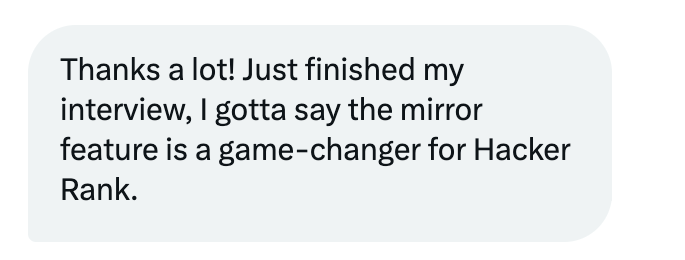
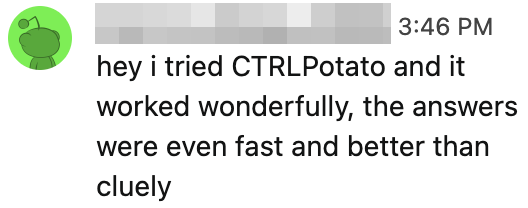
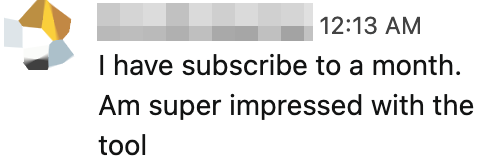
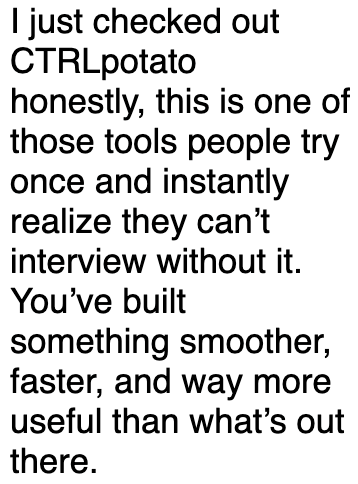
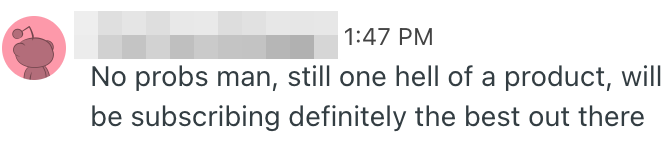
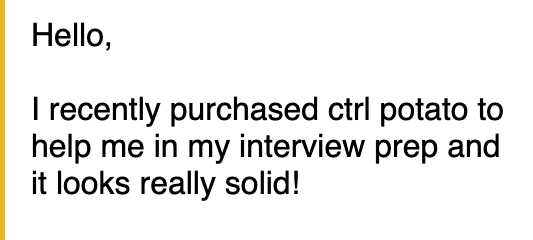
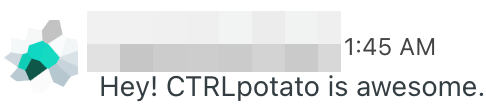
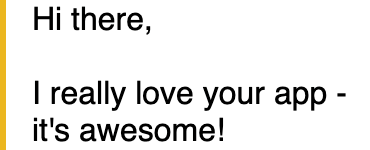
200+ thank-you messages in the last 90 days. Here are a few.

Redacted x message
𝕏
Redacted reddit message
Redacted email message
πŸ“©
Redacted reddit message
Redacted email message
πŸ“©
Redacted reddit message
Redacted email message
πŸ“©
Pricing

Start free. Pay when the interview gets real.

Use the free plan to practice. Grab a Sprint Pass for interview week. Upgrade to Pro when you're actively job hunting.

See how it works before spending a dollar.
10 free AI answers Β· Live Coach preview Β· No credit card required.
Start free trial
Light usage

Lite

For interview prep, take-homes, and occasional interviews.

$29 /mo

Billed monthly. Cancel anytime.

  • Invisible desktop app for screen, audio, and text capture
  • Unlimited Ask AI on standard models
  • Real-time interview transcription (30h/month)
  • Attach up to 2 screenshots to each AI question
  • Session Debriefs for interview review
  • Personalized answers from your resume and job description
Not included
  • Live Coach
  • Mobile Mirror
  • Premium AI models
  • Full custom AI behavior
Start Lite β€” $29/mo

Cancel anytime. 7-day refund on first purchase with light usage.

Interview this week No renewal

Sprint Pass

One interview week, one flat fee. No subscription.

$39 once

7-day access. Does not renew.

  • Everything in Pro for 7 days
  • Live Coach + Mobile Mirror included
  • Custom AI behavior and premium models included
  • Pro transcription, screenshots, and debriefs included
  • Drops back to Free automatically after 7 days
Get Sprint Pass β€” $39

No renewal. Upgrade to Pro anytime during the 7 days.

Refunds First paid purchase, light usage only. Details
Cancel Subscriptions cancel anytime from the dashboard.
Sprint Pass One-time 7-day access. No renewal.

Questions before you try it

CTRLpotato is a desktop interview coach that captures context from audio, selected text, screenshots, and your own notes, then turns it into structured AI guidance for technical and behavioral interviews.

When you prefer using your phone as a second screen:
1. Scan the QR code from the desktop app using your phone.
2. A live companion view opens in your mobile browser.
3. Set your phone to stay awake and lean it somewhere visible β€” like against your laptop.
4. CTRLpotato keeps running on your desktop. You can view answers on your phone, control the app remotely, or use keyboard shortcuts as usual. Answers update live on your phone.

Use it for practice, preparation, mock interviews, and live interviews where external tools are allowed by the interviewer, employer, school, or platform. You are responsible for following the rules of each interview.

CTRLpotato uses a context buffer β€” like a digital clipboard. Add audio, screenshots, and text snippets. Then, send it all at once with a single key to get a complete answer that considers everything.

Yes. Add your resume, role notes, job description, and answer preferences so the AI can tailor guidance to your experience, stack, and communication style.

CTRLpotato runs on both macOS and Windows.

It does not renew. After 7 days, your account automatically drops back to Free unless you start a subscription.

You keep your account and can buy another pass after expiry, or switch to Pro if interviews keep coming.

You can cancel anytime β€” your access stays active until the end of your billing period.

If it’s your first paid purchase and you contact us within 7 days, we may offer a refund if the account has used 10 or fewer paid AI responses and has not used extended transcription or Live Coach sessions. If usage is higher, we can’t offer a refund β€” but you can cancel to stop future renewals.

Renewals and partial periods are not refundable, except where required by law.

Generic chat tools require copying, pasting, and switching windows. CTRLpotato is built around interview flow: capture the question, ask for a concise answer shape, add follow-ups, and choose the model that fits the moment.

Feel free to reach out: [email protected]

Walk in with a sharper answer plan

Join the candidates already winning interviews with CTRLpotato.